

Key takeaways
- Shopify calculates with gross prices in the DACH region – you set up the correct tax logic centrally under "Taxes and duties".
- For DE, AT, and CH, you create separate tax regions; Switzerland is a third country with its own VAT and import tax.
- If you sell B2C to other EU countries, the OSS procedure becomes relevant above the €10,000 threshold – Shopify will then show the destination country tax.
- Reverse charge (B2B-EU) and the small business regulation can be accurately mapped – the booking itself still belongs in the accounting department.
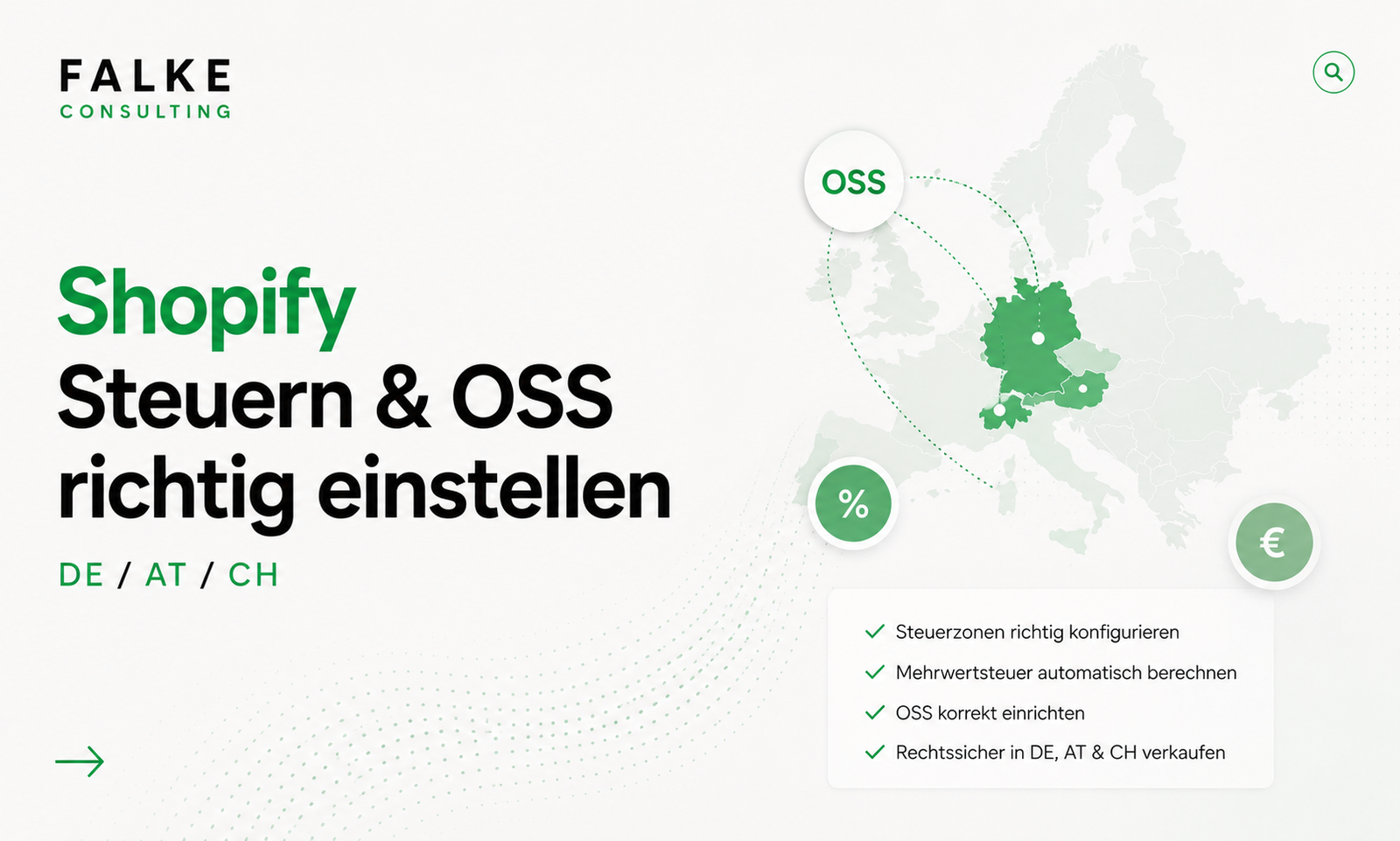
Incorrectly set taxes in e-commerce are not just a cosmetic flaw, but a real risk – for your margin and your legal certainty. This guide shows you step-by-step how to correctly set up VAT in Shopify for Germany, Austria, and Switzerland, when the OSS procedure applies, and how to map reverse charge and the small business regulation. The focus is deliberately on the setup in the Shopify admin – not on accounting.
01Why tax setup is a matter for the boss
In the DACH region, customers expect final prices including VAT. Shopify is designed precisely for this: You enter gross prices, and the system automatically calculates the included tax portion depending on the region. If the configuration is incorrect, you will show incorrect amounts in the checkout, collect too much or too little tax, and encounter problems at the latest during your VAT pre-registration.
The good news: The basic setup can be done in half an hour. You don't have to be a tax expert – but you should understand which regions, thresholds, and special cases apply to you. The rest, i.e., ongoing booking and reporting, you hand over to your tax consultancy or your tool.
Important: This article is not a substitute for tax advice. It shows the technical setup in Shopify. For accounting evaluation and DATEV transfer, please read the article Shopify Accounting & DATEV Integration. Questions about the setup? Schedule an appointment →
02Basics: Gross prices & tax regions in the DACH region
Before you start tweaking settings, clarify two basic configurations. You'll find them under Settings → Taxes and duties:
- All prices include taxes: Activate for DACH shops. Your product prices will then be gross final prices, and the tax portion will be automatically displayed.
- Calculate taxes based on shipping address: Shopify determines the correct rate based on the destination country – the basis for OSS and the separate treatment of Switzerland.
Afterward, you define the rate for each region. By default, Shopify already provides the common rates; you only need to check and supplement them.
| Region | Standard Rate | Special Feature |
|---|---|---|
| Germany | 19 % / 7 % | Reduced rate for certain products (e.g., books, food) |
| Austria | 20 % / 10 % | EU country – relevant for OSS |
| Switzerland | 8.1 % / 2.6 % | Third country – customs & import tax, own logic |
03Set up tax zones for DE, AT & CH
Set up your regions cleanly separated so that each market gets its correct rate:
- Germany as home region: Check standard rate, only apply reduced rates where your product categories genuinely require them.
- Add Austria: separate tax rate, as it's an EU foreign country. As long as you stay below the EU delivery threshold, you'll calculate with the German rate – above it, OSS applies (see next section).
- Switzerland as a separate region: Here you are selling to a third country. Plan for customs and import VAT and communicate them openly to avoid frustration during delivery. How to set up the shipping zone for this is shown in the article Setting up Shopify Shipping.
For each product, you can also specify whether it is taxable and which rate applies – you need this, for example, for books or food with a reduced rate.
04Activate OSS procedure: Correct billing throughout the EU
As soon as you supply private customers (B2C) in other EU countries and exceed the EU-wide delivery threshold of €10,000 net annual turnover, you must declare the VAT of the destination country. Instead of having to register individually in each country, you use the One-Stop-Shop (OSS) procedure and report centrally via the Federal Central Tax Office.
In Shopify, you map this as follows:
- Complete OSS registration with the BZSt (outside of Shopify, one-time).
- In the tax settings, configure the EU region so that Shopify calculates the destination country tax – this is the basis with "Calculate taxes based on shipping address".
- Regularly export the tax report per country and hand it over to your firm/tool for OSS reporting.
Below the threshold and without international EU sales, you don't need OSS – then the DE/AT/CH setup above is sufficient.
05Handling Reverse Charge & B2B Sales Correctly
If you sell to business customers with a valid VAT ID in another EU country, the reverse charge procedure applies: You issue the invoice net (without VAT), and the tax liability transfers to the buyer. Practically, this means you need a way to record and verify the VAT ID.
- Via the native B2B function on Shopify Plus, tax-exempt customer (groups) can be cleanly mapped. More on this in the article Setting up Shopify B2B on Plus.
- Without Plus, you use apps or customer tags to exempt verified B2B customers from tax.
- The VAT ID belongs on the invoice – your invoicing tool handles this, not Shopify itself.
06Mapping the Small Business Regulation in Shopify
If you use the small business regulation (§ 19 UStG in Germany), you do not show any value-added tax. Here's how to set this up in Shopify:
- Under "Taxes and duties," set the tax for your region to 0% or deactivate tax calculation.
- Maintain product prices as net final prices (no included tax portion).
- Include the legally required notice ("According to § 19 UStG, no sales tax is calculated") in your invoice template and, if applicable, in the checkout notice.
If you grow out of the regulation, reactivate tax calculation – plan this change with your tax advisor in good time.
07Common Tax Setup Errors
- Treating Switzerland like an EU country – leading to missing customs duties, import taxes, and the correct CH rate.
- "Prices include taxes" not activated – resulting in incorrect final prices in DACH B2C.
- Ignoring OSS even though the €10,000 threshold has long been exceeded.
- Applying reduced rates across the board to all products instead of just to the appropriate categories.
- Setting up taxes once and never checking again – review when entering new markets or introducing new product types.
If you want to put your entire foundation – taxes, shipping, and checkout – into professional hands: An overview of my Shopify services shows how I set this up for DACH shops at a fixed price.
08Conclusion
The tax setup in Shopify is quickly done once you understand the logic: gross prices, separate regions for DE/AT/CH, OSS from the EU threshold, and clean special cases for B2B and small businesses. You handle the technical setup in Shopify – your accounting department takes care of ongoing reporting. This way, you remain legally compliant and keep an eye on your margin.
Frequently Asked Questions
Where do I set up VAT in Shopify?
Do I need a separate tax region for Switzerland?
When is the OSS procedure mandatory for me?
How do I map reverse charge for EU B2B customers?
Can I use the small business regulation in Shopify?

Seit Jahren setze ich Shopify-Shops für Marken im DACH-Raum um — von der Migration über den Relaunch bis zur Conversion-Optimierung. In diesem Blog teile ich, was in echten Projekten funktioniert.



Mehr aus deinem Shopify-Shop holen?
Lass uns in einem kostenlosen Erstgespräch herausfinden, wo bei dir der größte Hebel liegt — technisch, inhaltlich oder bei der Conversion.
Kostenloses Erstgespräch buchen