
Revocation Button 2026: Mandatory for Shopify Shops – Here's How to Implement It
The revocation button has been mandatory since June 19, 2026. What Shopify merchants need now: a two-step revocation function, placement & implementation – explained clearly.

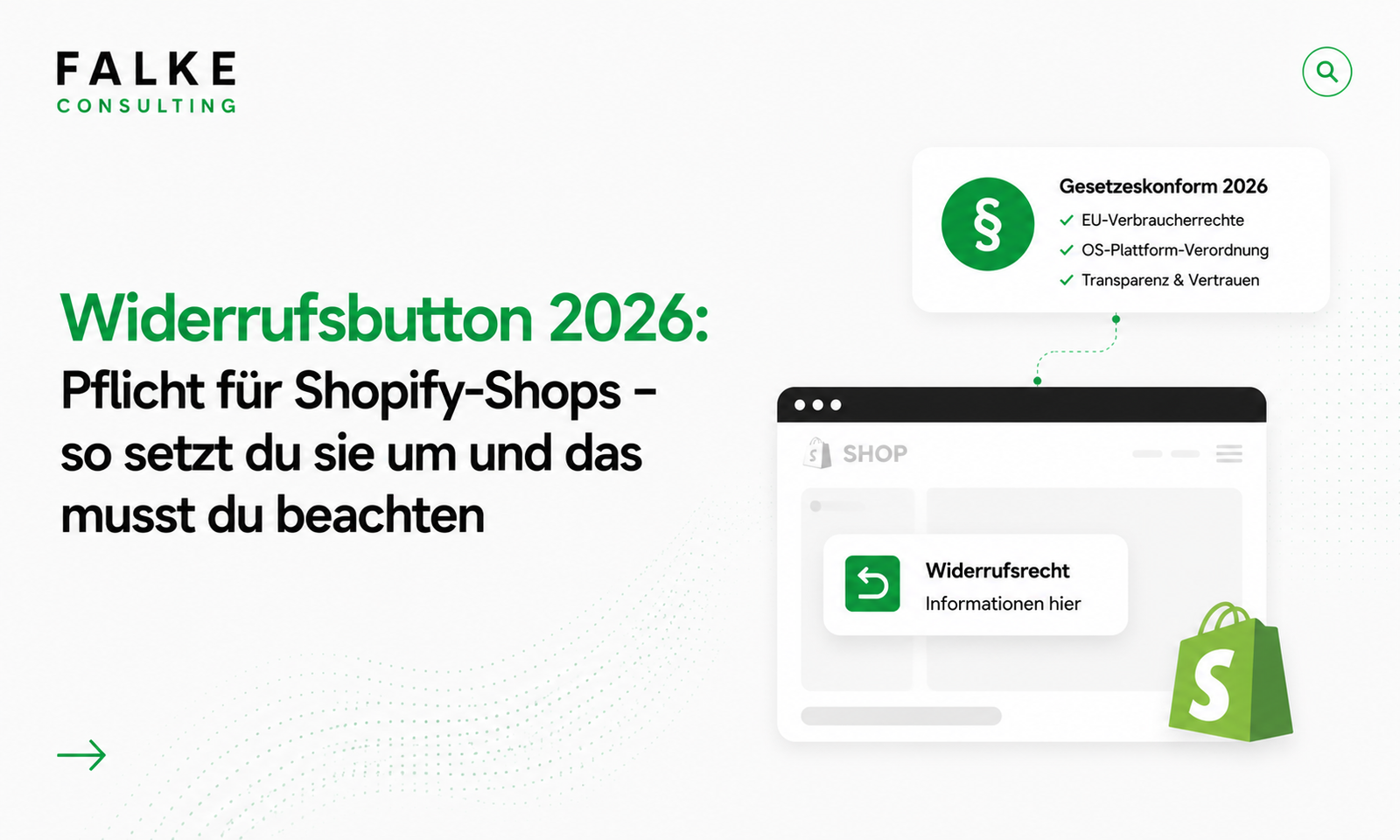
Key Takeaways
- As of June 19, 2026, the withdrawal button is mandatory for online shops throughout the EU (Directive 2023/2673).
- It must be clearly visible, permanently accessible, and two-stage: initiate withdrawal, then actively confirm.
- If it's missing, warnings and fines are threatened – and the withdrawal period extends to up to 12 months and 14 days.
- Implementation is technically manageable – it's important that placement and process comply with requirements.
As of June 19, 2026, you'll need a withdrawal button in your online shop – mandatory, EU-wide. This guide will explain in an understandable way what the withdrawal button is, how it must look and function, and how you can implement it legally compliant in Shopify. So you don't become easy prey for those issuing warnings.
01What the withdrawal button is – and when it becomes mandatory
The withdrawal button is the counterpart to the already familiar termination button: a digital function that allows consumers to withdraw from an online contract as easily as they entered into it. The legal basis is EU Directive 2023/2673, which applies from June 19, 2026.
Unlike the withdrawal policy (a legal text), the withdrawal button is an active function in your shop. It supplements your existing policy, but does not replace it. The article Shopify Checkout legally compliant shows you how to properly integrate withdrawal and terms and conditions into the checkout.
02Who the obligation applies to
Virtually every online shop is affected: The obligation applies to all entrepreneurs who conclude contracts with consumers in electronic commerce via an online interface. This also applies to your Shopify shop as soon as you sell to private customers – in Germany, Austria, and throughout the EU.
03How the withdrawal button must look & function
The requirements are clearly defined. The button (or an equally highlighted link) must:
- Be clearly visible and unambiguously labeled – "Withdraw contract" is recommended.
- Be easily accessible and permanently reachable throughout the entire withdrawal period.
- Represent a two-stage process: First, the person initiates the withdrawal and enters the necessary information, then actively confirms it via a separate button – for example, "Confirm withdrawal."
- Provide a confirmation after submission (receipt of withdrawal on a durable medium).
Good to know: It doesn't have to be a technical "button" in the strict sense – a clearly designated, equally highlighted link is sufficient according to the current status. Visibility, accessibility, and the two-stage process are crucial.
04Where the button must be placed
The withdrawal function must be immediate and easily accessible. In practice, this means: clearly findable in the shop (e.g., in the footer and/or in the customer account area), permanently accessible and not hidden behind multiple clicks. In addition, you must provide information about its placement – otherwise the information obligation is considered not fulfilled.
05What happens if you don't install it
The consequences are unpleasant and concrete:
- Warnings from competitors or associations.
- Fines for violations of information obligations.
- An extended withdrawal period of up to 12 months and 14 days – customers could thus withdraw significantly longer, which directly impacts costs.
In short: The effort for implementation is small compared to the risk of not doing it.
Don't want to take any risks? I will set up the legally compliant, two-stage withdrawal function for you at a fixed price of €199 net – neatly integrated into the theme, mobile optimized, and with a functionality check. Have the withdrawal button set up →
06How to implement the withdrawal button in Shopify
Shopify does not provide this function as standard – you implement it via your own page plus a form or a specialized solution. The clean way looks like this:
- Create a withdrawal page with the two-stage process: enter order data → active confirmation.
- Integrate a form that receives the withdrawal and sends a confirmation to you and the customer.
- Link visibly – in the footer and at other suitable places, permanently accessible.
- Align with your withdrawal policy and test everything on mobile.
Technically, this is manageable – it just has to be correct. If you prefer to outsource it, I will take care of the complete setup for a fixed price (see note above) or as part of my Shopify services. The legal framework conditions regarding data protection and tracking can be found in the article GDPR in the Shopify shop.
07Conclusion
The withdrawal button has been mandatory since June 19, 2026 – and the risk of ignoring it is real: warnings, fines, and a massively extended withdrawal period. The good news: Implementation is quick if placement and the two-stage process are correct. Implement it now – or simply let me install it.
Frequently Asked Questions
When is the withdrawal button mandatory?
How must the withdrawal button function?
Is a link sufficient instead of a real button?
What happens if I don't include the button?
Can you set up the withdrawal button for me?

Seit Jahren setze ich Shopify-Shops für Marken im DACH-Raum um — von der Migration über den Relaunch bis zur Conversion-Optimierung. In diesem Blog teile ich, was in echten Projekten funktioniert.
Mehr aus deinem Shopify-Shop holen?
Lass uns in einem kostenlosen Erstgespräch herausfinden, wo bei dir der größte Hebel liegt — technisch, inhaltlich oder bei der Conversion.
Kostenloses Erstgespräch buchen