
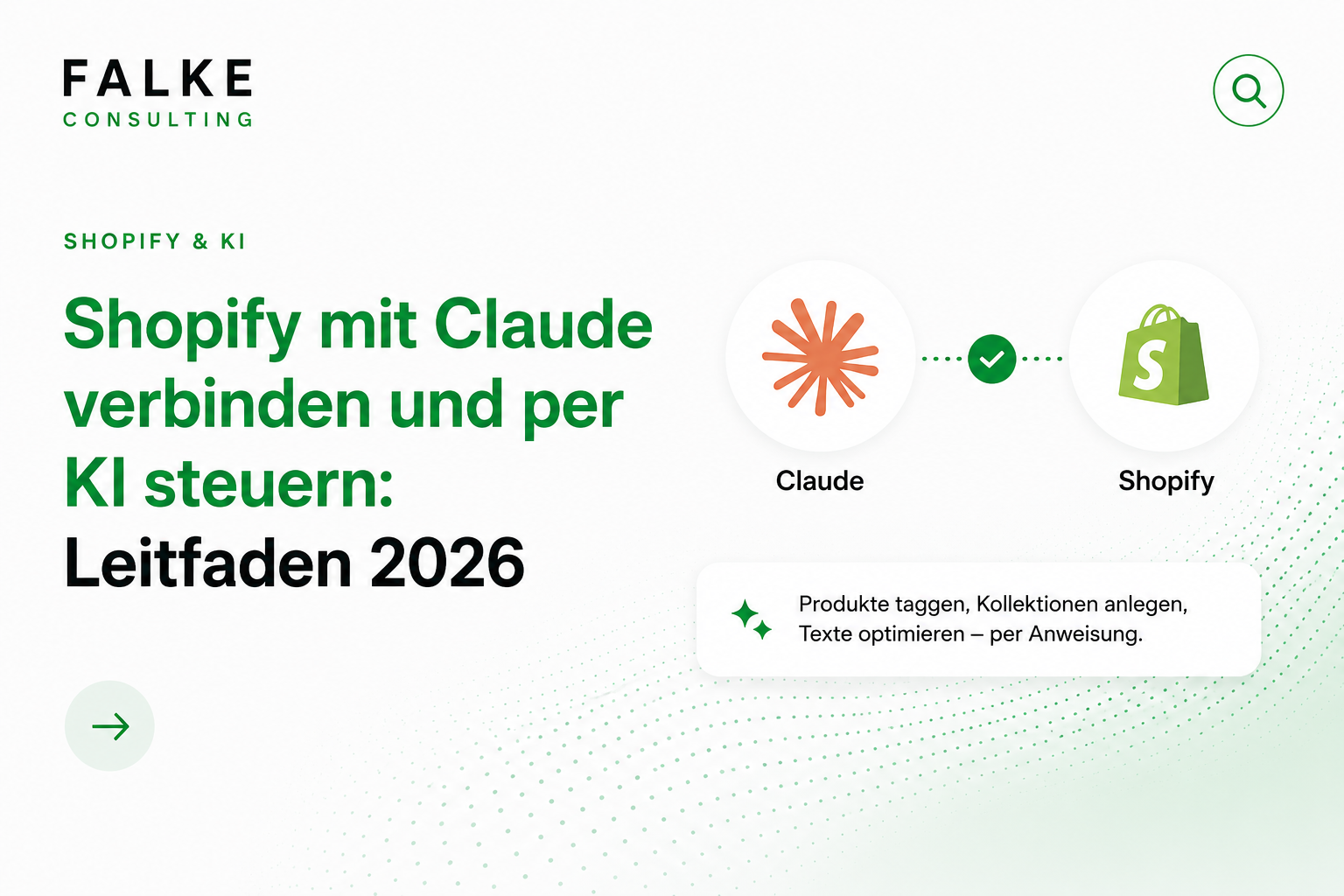
Connect Shopify with Claude: Your shop controls itself via chat.
You connect Shopify with Claude directly in the Claude settings via the official Shopify connector — Settings → Connectors → Shopify → Connect, then grant permissions in the Shopify admin. After that, Claude will query your live store data and perform real tasks with your approval: create products, build collections, generate discount codes, analyze analytics.

Key Takeaways
- Shopify can be controlled by instruction instead of clicks in 2026 – via the official Claude connector (no-code) or the Shopify AI Toolkit (for developers).
- Already commonplace today: bulk product management, closing SEO gaps, creating collections and discounts, and analyzing analytics by query.
- Connection takes about 5 minutes. The value lies in a secure setup: read-only access first, minimal permissions, testing on drafts, writing only with approval.
- Your data flows to two places – Shopify and Anthropic. For DACH shops, this means: check data processing agreements, practice data minimization.
Do you want to manage your Shopify store by instruction instead of click by click? This guide shows you step-by-step how to connect Shopify with Claude – including security rules, ready-to-copy prompts, and a 7-day plan for implementation in a real revenue-generating store.
Transparency: This article was created with AI assistance and editorially reviewed (Art. 50 EU AI Act).
01Why the Connector Changes Everything
Previously, store maintenance meant clicking. Open product, change field, save, next product. The official Shopify connector for Claude reverses this – you write an instruction in natural language, and the AI sees your real store data and executes the task with your approval.
An example from one of our projects: a store with about 300 products, where a large number were missing meta descriptions and image alt texts. Manually, this would have been a week-long project. With the connector, it was an afternoon – including checking every single text. Not because the AI performs magic, but because the tedious work shrinks from an hour per manual step to a chat message.
The actual effect in teams: tasks that were previously done "sometime" – maintaining SEO, tidying up collections, pulling weekly reports – now actually happen. The work shifts from clicking to deciding. The machine does the manual work, you make the judgments.
02The Three Ways: Connector, AI Toolkit, Apps
"Connecting Shopify with Claude" can mean three different things. Keep them separate – they are built for different people:
| Method | For whom | Effort | Control |
|---|---|---|---|
| Official Connector | Store operators & teams without dev | 5 min, no code | Permissions via Shopify approval |
| Shopify AI Toolkit (MCP) | Developers, agencies | Setup in Claude Desktop / Code | Maximal, incl. code review |
| Third-party apps | Specialized solutions | App installation | Caution: often broad permissions |
In short: MCP (Model Context Protocol) is just the technical standard by which Claude and Shopify communicate – you don't need to understand it to use the connector. You don't need third-party apps to get started; the official connector covers the most important tasks without another provider gaining access to your shop. My recommendation: Start with the connector. MCP becomes relevant when it comes to theme code and development.
035-Minute Setup: Step-by-Step
You only need a Shopify store with admin rights and a paid Claude plan. No code, no API keys:
- Open Claude and log in – desktop app or claude.ai in your browser.
- Open Profile → Settings.
- Search for Connectors → Shopify.
- Click "Connect" – you will be redirected to the Shopify admin area and prompted to authenticate.
- Read and approve permissions. Shopify shows exactly what Claude can access. Grant only what you need (see section 04).
Connection test: "Show me an overview of my store: name, currency, number of products." If your real data comes back, the connection is established.
04Security: The 4 Rules Before First Write Access
Connecting is not the difficult part – making it secure is. The most common mistake: immediately granting the master key when connecting, i.e., full write access to the live store. Don't do that. These four rules apply before an agent is seriously allowed into your revenue-generating store:
- Read-only access first. Initially, let Claude only read and suggest. This way, you see if the AI understands what you want without anything going wrong.
- Never learn on the live store. New writing workflows should be tested on a test store or at least on drafts (Draft status). Only when it works cleanly there should it be applied to published content.
- Only the necessary permissions. Someone who is supposed to write product texts does not need access to orders or customer data. Connect via an account with appropriate permissions, not necessarily via the Store Owner with full access.
- Writing only with approval. The phrase "First show me the plan, only execute after my approval" belongs in every writing prompt. No agent changes hundreds of products without a human saying yes first.
Motto: Treat the agent like a new employee with admin access – trust grows with controlled responsibility, not with a master key on the first day.
05What Claude Can Specifically Do – with Time Impact
The connector covers the core areas of daily store operations. The table honestly ranks where the leverage is really significant:
| Area | What Claude does | Time Impact |
|---|---|---|
| Products | Create, write descriptions & SEO fields, manage tags and variants – in bulk | Very high |
| Collections | Create and populate manual and smart (rule-based) collections | High |
| Analytics | Query and summarize revenue, orders, conversion, top products | Very high |
| Discounts | Create discount codes with conditions (percentage, collection, period, minimum value) | Medium |
| Orders & Customers | Look up status, find segments (Caution: personal data → Section 09) | Medium |
| Inventory | Query stock, list low stock, correct with approval | Medium |
The biggest leverage lies in the combination: analytics query → identify anomaly → immediately initiate appropriate action. "Which products had many views this week but few purchases?" followed by "Revise the description for these five" – previously two tools, an export, and an afternoon. Now it's a chat history.
06Three Practical Workflows with Copy-Paste Prompts
Other guides describe what's possible. Here you get the prompts you can copy directly – including the built-in security phrasing from Rule 4:
Workflow 1 – Closing the SEO gap. Almost every established shop has products without meta descriptions, alt texts, or with standard titles.
"Go through all published products. List where SEO titles, meta descriptions, or image alt texts are missing, and add them in our brand tone. Show me two examples for approval first, before you process the rest."
Workflow 2 – The Monday Report. Replaces clicking around in three dashboards with two minutes of reading. With Claude Cowork, it can even be set up as a recurring task – automatically every Monday.
"Summarize the last 7 days: revenue, orders, conversion, average order value, top 5 products. Compare to the previous week, plus the three most striking changes with a brief guess as to why."
Workflow 3 – The Seasonal Campaign. Collection plus discount plus conditions – in one instruction instead of five admin masks.
"Create a smart collection 'Summer Sale' with all products tagged 'summer', and a discount code SUMMER15 with 15% off exactly this collection, valid from Monday for 10 days. Show me all settings before activation."
07Your 7-Day Plan for Secure Implementation
The most common reason why implementation fails: wanting everything at once. This plan will get you from zero to a running, secure setup in one week – without risking live revenue:
- Day 1 – Connect, read-only. Set up the connector, minimal permissions, connection test with store queries. No writing.
- Day 2 – Get to know Analytics. Try out the Monday Report and compare the numbers against your Shopify dashboard. Trust is built by verification.
- Day 3 – Create a brand profile. A short document with brand, target audience, tone, and no-gos, which you provide with every text task.
- Day 4 – First writing workflow, on drafts. SEO gap closure for 10 products in draft status. Review every text.
- Day 5 – Establish team rules. Who can approve writing actions? What remains a management decision (prices, legal texts)?
- Day 6 – Play through first action. Create a seasonal collection + discount with a future start date, check settings, then activate.
- Day 7 – Review & next workflow. How much time was saved? What went wrong? Only now do you decide which permissions to extend.
08What does NOT work: The Honest Reality Check
- Theme & Design: Layout changes, custom sections, CSS – these require the MCP/developer level or classic theme work. The connector works with data, not design.
- Third-party Apps: What is configured in Klaviyo, Judge.me, or your shipping app is outside the Shopify connector's scope.
- Legal Texts & Pricing Strategy: Imprint, GTC, right of withdrawal come from your legal text service. And whether a product costs €29 or €39 is your decision – Claude provides the data basis.
- Blind Trust: You must proofread AI-generated texts. Incorrect material specifications or measurements are not only embarrassing in Germany but can lead to warnings.
In short: The connector is an outstanding implementer and analyst – not a designer, not a lawyer, not a substitute for entrepreneurial decisions. Used correctly, it is a real lever.
09GDPR: Where Your Data Really Goes
One point you, as a shop operator, must understand: When Claude accesses your shop, data flows to two places. To Shopify – that's nothing new. And to Anthropic, the provider of Claude, because the agent processes what it reads from your shop. For DACH shops, this means:
- Practice data minimization: For product and assortment work (texts, SEO, collections, aggregated analytics), Claude does not need personal customer data – and that is where the greatest leverage lies anyway.
- Data Processing Agreement as soon as customer data is involved: For order and customer workflows, you need a data processing agreement with the AI provider and tightly defined access.
- Supplement privacy policy: The use of AI with access to shop data belongs in your privacy policy. Your legal text service has modules for this.
- Consider AI transparency: If you publish AI-generated content, a transparency notice is standard practice according to Art. 50 EU AI Act – and strengthens the trust of your readers.
Note: Practical experience from projects, not legal advice. Final assurance belongs to your legal text service or lawyer.
10Conclusion: 5 Minutes Setup, Lasting Leverage
The connection between Shopify and Claude is no longer a DIY project in 2026: official connector, five-minute setup, real actions in the shop. The difficult part is not connecting, but operating it securely – and for that, you now have the four rules, the copy-paste prompts, and the 7-day plan. You can find basics on visibility in the article Shopify SEO 2026; if you want to delegate the setup, you can find the framework in my Shopify services.
Connect your shop with Claude – set up correctly instead of half-baked? Book a free initial consultation →
Frequently Asked Questions
How do I connect Shopify with Claude?
Is there a Shopify MCP for Claude?
What does it cost to use Claude with Shopify?
Can Claude create products in my Shopify store?
Is AI control of Shopify GDPR-compliant and secure?
Does this also work with Claude Cowork?

Seit Jahren setze ich Shopify-Shops für Marken im DACH-Raum um — von der Migration über den Relaunch bis zur Conversion-Optimierung. In diesem Blog teile ich, was in echten Projekten funktioniert.
Mehr aus deinem Shopify-Shop holen?
Lass uns in einem kostenlosen Erstgespräch herausfinden, wo bei dir der größte Hebel liegt — technisch, inhaltlich oder bei der Conversion.
Kostenloses Erstgespräch buchen