
Shopify Markets: Sell internationally & multi-language
Sell internationally with Shopify Markets: Set up languages, currencies, domains & prices per market – for DACH and the EU, by a Shopify Plus Partner.

Key takeaways
- Shopify Markets allows you to manage languages, currencies, prices, and domains per market – all from a single store.
- For DACH, a clear market segmentation is worthwhile: DE/AT/CH as the core, with targeted additions of other EU countries.
- Translations, local pricing, and correct hreflang tagging are crucial for visibility and conversion abroad.
- Payment methods and taxes must be appropriate for each market – otherwise, the checkout process will fail precisely where internationalization begins.
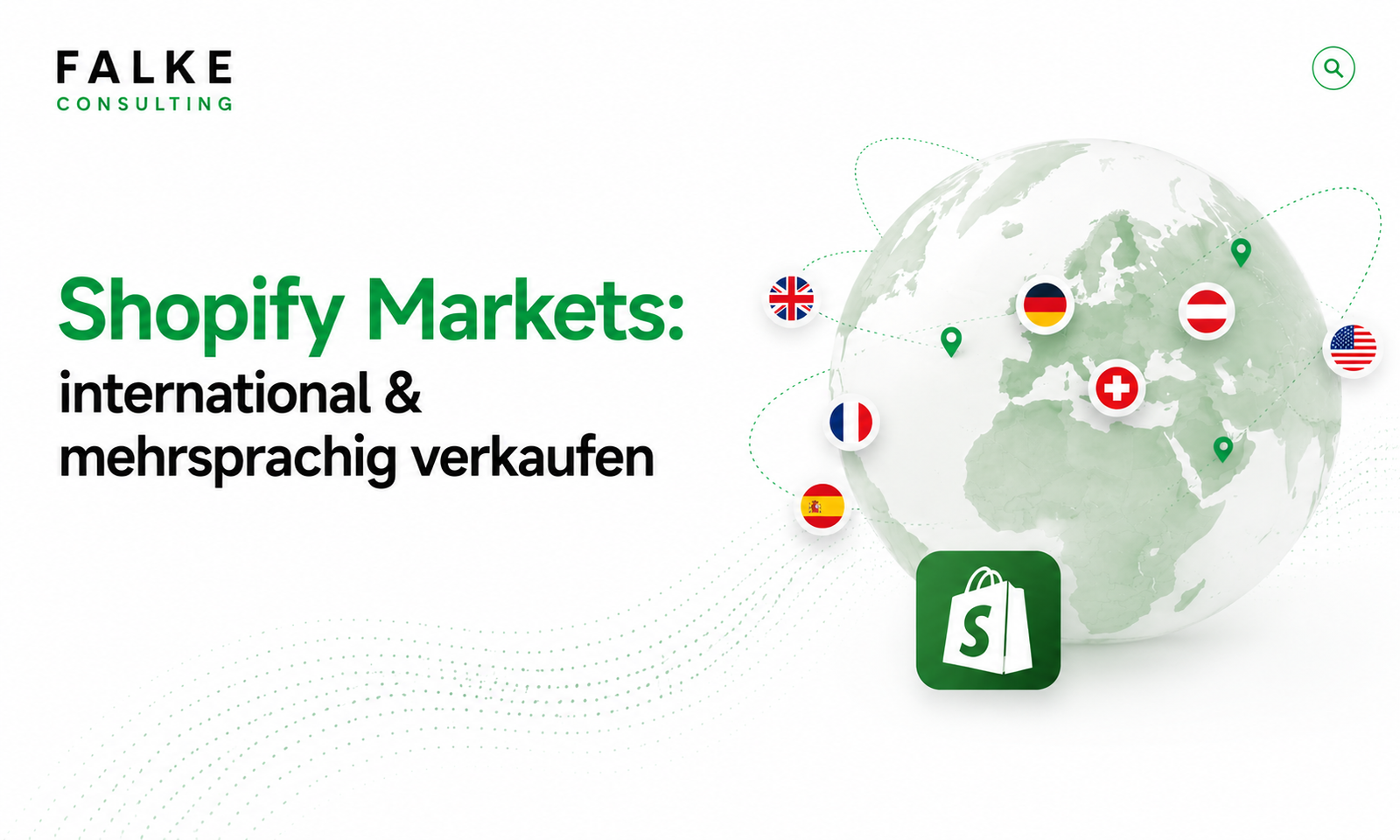
Do you want to sell beyond DACH borders without operating five individual shops? That's exactly what Shopify Markets is for. This guide shows you how to properly set up international and multilingual markets – languages, currencies, domains, taxes, and payment methods – with a necessary focus on DE, AT, CH, and the EU.
01What Shopify Markets is – and who it's for
Shopify Markets is your shop's built-in internationalization hub. Instead of maintaining a separate store for each country, you define markets – i.e., countries or country groups – and control what customers see for each market: language, currency, prices, and the appropriate domain or URL structure.
It's worthwhile as soon as you regularly sell abroad or plan to. For pure DE shops, it's overkill; for ambitious DACH brands with EU ambitions, it's the fastest way to a professional presence – without duplicate data maintenance. Whether a market setup or a separate store makes more sense in the end, we'll be happy to clarify in a free initial consultation.
02Planning markets: DACH core (DE/AT/CH) + EU
Before you click, plan your market structure. A proven approach for DACH brands:
- Germany as the primary market (standard language, main currency Euro).
- Austria in the same language and currency area, but with its own tax rate.
- Switzerland as a separate market: CHF currency, third-country logic for taxes and shipping.
- Rest of EU as a collective market or specifically individual countries (e.g., NL, FR), if there is demand.
For each market, you later decide how much localization makes sense – from "just adjust currency" to "fully translated with its own domain."
03Setting up languages & translations
You activate multilingualism under Settings → Languages. Add the desired languages and then translate your content:
- Add language(s) and assign them to a market.
- Maintain translations – with the free app "Translate & Adapt" or a specialized translation tool.
- Don't just translate products: also navigation, checkout notices, legal texts, meta titles, and descriptions.
Tip: Machine translations are a good start, but have money-making pages (homepage, bestsellers, checkout) proofread by a human. Poor translations cost trust – and conversion.
04Controlling currencies & local prices
Shopify can automatically convert prices to the market currency, or you can set fixed local prices. For Switzerland (CHF) or psychological price points (49 instead of 48.73), fixed prices are usually the better choice.
- Automatic conversion: quick to get started, but "odd" prices.
- Price adjustment per market: percentage markup/markdown to reflect costs and margin per country.
- Fixed price lists: full control, ideal for CH and premium positioning.
Ensuring that the correct payment methods are available in each country is at least as important as the price – more on this in the article Shopify payment providers in the DACH region.
05Domains & URL structure per market (SEO & hreflang)
For international SEO, the URL structure is crucial. Shopify Markets offers you several models:
| Model | Example | Suitable for |
|---|---|---|
| Subdirectory | shop.de/fr | Standard – domain authority remains bundled |
| Subdomain | ch.shop.de | Clear market separation |
| Own domain | shop.ch | Maximum local credibility |
The best part: Shopify automatically sets the hreflang tag for your language and country versions when markets and languages are correctly linked. This way, Google understands which version to show which user – without you manually maintaining tags. The SEO basics are covered in more detail in the article Shopify SEO 2026.
06Consider payment methods & taxes per market
International buyers expect local payment methods. What is "Kauf auf Rechnung" (purchase on account) in Germany is iDEAL in the Netherlands and TWINT in Switzerland. Check per market:
- Which payment methods your provider supports in the target country.
- Whether the market currency is accepted by the payment method.
- That taxes are correctly shown per country – the setup for this is explained in the article Setting up Shopify Taxes & OSS correctly.
07Markets vs. Markets Pro vs. own store
Three paths, one goal – but with clear differences:
- Shopify Markets (Standard): Languages, currencies, domains, and local prices – sufficient for most DACH brands.
- Markets Pro: Merchant of Record, who handles customs, taxes, and international compliance – interesting for many third countries, often not necessary in DACH/EU.
- Separate Store: only makes sense if a market requires completely different product range, team, or branding – at the cost of duplicate maintenance.
If you want the setup or conversion done cleanly at a fixed price, you will find the appropriate framework on the Services page.
08Conclusion
Shopify Markets makes international sales manageable from a single shop: You plan your markets, localize language and prices, ensure a clean URL structure including hreflang, and provide appropriate payment methods and taxes. This way, you grow beyond DACH without splitting yourself across five shops.
Frequently Asked Questions
Do I need a separate Shopify store for each country?
Does Shopify Markets handle hreflang?
Can I set fixed CHF prices for Switzerland?
What is the difference between Shopify Markets and Markets Pro?

Seit Jahren setze ich Shopify-Shops für Marken im DACH-Raum um — von der Migration über den Relaunch bis zur Conversion-Optimierung. In diesem Blog teile ich, was in echten Projekten funktioniert.

Mehr aus deinem Shopify-Shop holen?
Lass uns in einem kostenlosen Erstgespräch herausfinden, wo bei dir der größte Hebel liegt — technisch, inhaltlich oder bei der Conversion.
Kostenloses Erstgespräch buchen