
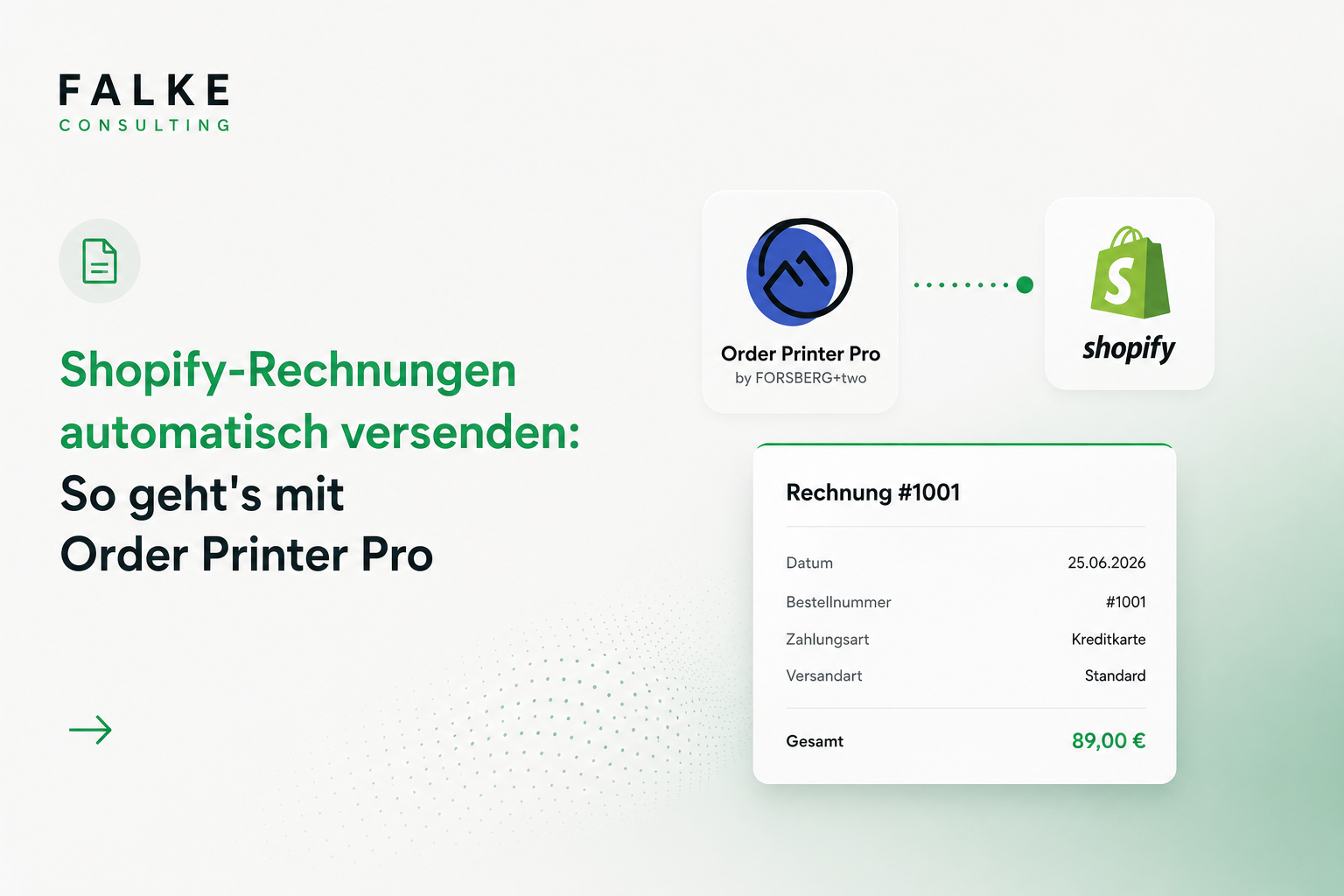
Automatically Send Shopify Invoices: Here's How with Order Printer Pro
Automatically send invoices as PDFs via email in Shopify – without manual effort. Features, prices (as of 2026), and setup with Order Printer Pro for DACH shops.

Key Takeaways
- Automated invoice delivery saves manual work per order and avoids errors.
- Invoices must be GoBD-compliant, sequentially numbered, and archived in an audit-proof manner.
- A specialized app generates and sends invoices automatically upon order completion.
- Individual branding and multilingual templates are important for DACH sales.
Transparency Notice: This post contains an affiliate link (advertisement). If you make a purchase via the link, I may receive a commission – this does not change anything for you.
Creating invoices manually and sending them individually costs hours every week. In Shopify, invoice delivery can be fully automated – as a clean PDF, automatically via email, directly after the order.
01Why Manual Invoice Sending Costs You Time
Creating invoices individually, saving them as PDFs, and sending them manually – this eats up hours every week and is prone to errors. Especially with a growing number of orders, this becomes a bottleneck. The solution: automatically deliver invoices as a clean PDF directly after the order via email.
02What Shopify Can Do Natively – and What It Can't
Shopify sends an order confirmation, but not a complete, legally compliant PDF invoice with all required information. An invoice app fills exactly this gap. My favorite for the DACH region is Order Printer Pro – mature, cleanly customizable, and with real auto-delivery.
Would you prefer to outsource the setup? Schedule an appointment →
03What Order Printer Pro Can Do
- Automatic PDF delivery directly after order confirmation
- Multiple document types: invoices, delivery notes, quotes, return and credit notes
- Fully customizable templates: logo, colors, and layout in your shop design
- Bulk printing and delivery directly from Admin, POS, and mobile
- DACH-relevant: VAT/taxes, multi-currency, translations, B2B – plus optional e-invoicing and Peppol add-on
Try Order Printer Pro for free
04Setup in Five Steps
- Install Order Printer Pro and start the free trial
- Customize the invoice template with your logo, colors, and company details
- Check mandatory information: full address, VAT ID no., tax rates, sequential invoice number
- Activate automatic sending (trigger: order paid or created)
- Trigger a test order and cross-check the delivered PDF
05DACH: What to Look Out for with Invoices
A correct invoice requires, among other things, complete sender and recipient data, tax number or VAT ID, correctly stated VAT (DE 19%, AT 20%, CH 8.1%), date of service, and a sequential invoice number. The article on Accounting & DATEV shows how to get the documents cleanly into your accounting. For B2B, e-invoicing (e.g., Peppol) is becoming important; there is a suitable add-on for this.
Note: general guidance, not tax or legal advice.
06Who Benefits Most from Automation
The more orders, the greater the time savings. But even smaller shops benefit: Uniform, professional documents appear reputable, reduce support inquiries, and save nerves in accounting at the end of the month.
Tip: Branded templates are provided by Order Printer Templates – in conjunction with Order Printer Pro. Don't feel like DIY? We set everything up (branding + automatic delivery): Invoice setup for €99, ready in 48h.
Frequently Asked Questions
Doesn't Shopify send invoices itself?
Are invoices really sent automatically?
Is the app also suitable for Switzerland and Austria?
Can I also create delivery notes and credit notes?
Does the app support e-invoices / Peppol?

Seit Jahren setze ich Shopify-Shops für Marken im DACH-Raum um — von der Migration über den Relaunch bis zur Conversion-Optimierung. In diesem Blog teile ich, was in echten Projekten funktioniert.

Mehr aus deinem Shopify-Shop holen?
Lass uns in einem kostenlosen Erstgespräch herausfinden, wo bei dir der größte Hebel liegt — technisch, inhaltlich oder bei der Conversion.
Kostenloses Erstgespräch buchen