
Setting up Shopify customer accounts correctly: When they pay off (2026)
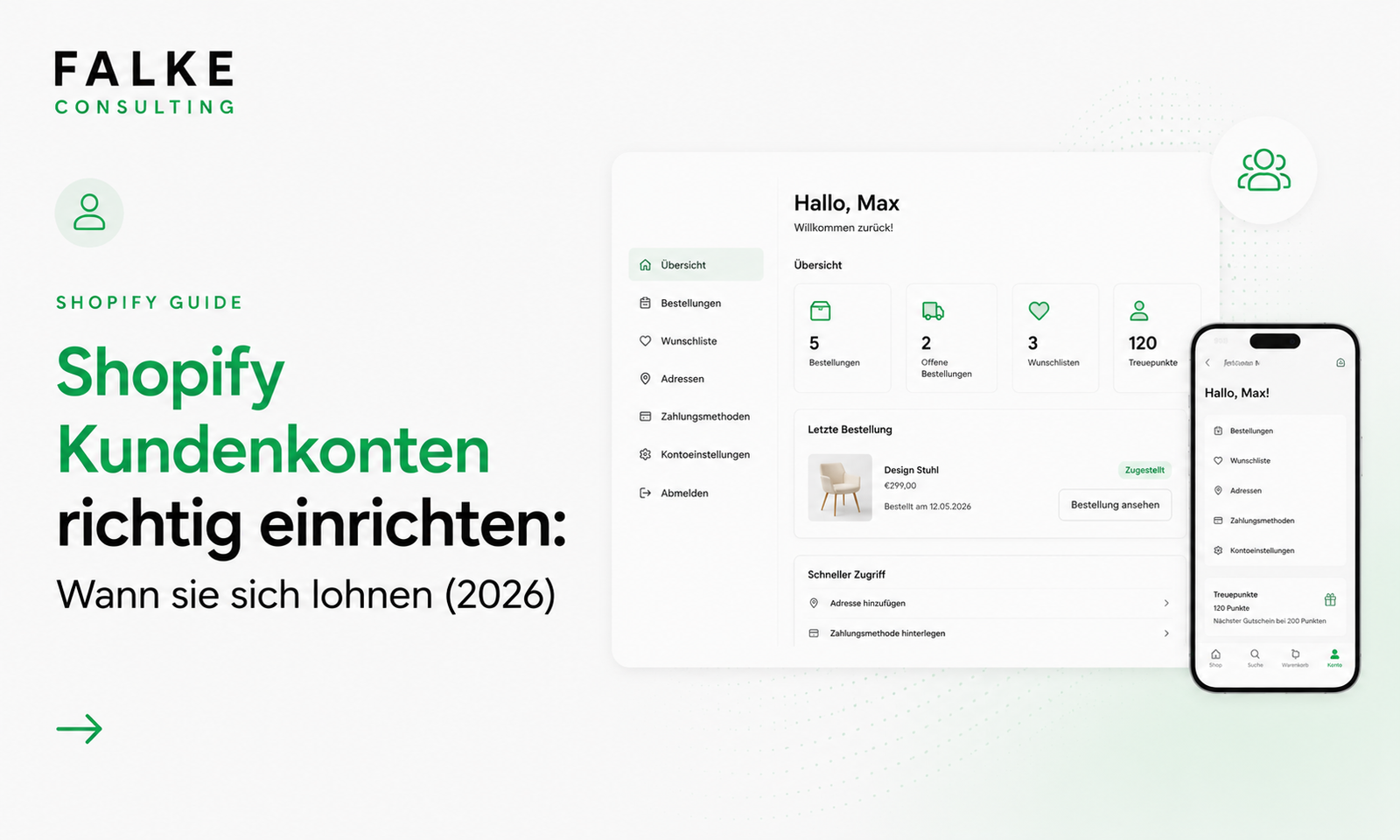
New passwordless customer accounts, self-service returns, store credit, and marketing touchpoints: How to effectively set up Shopify customer accounts – including a decision-making guide for the DACH region.

Key takeaways
- Since 2024, Shopify has been using the new passwordless customer accounts with login via one-time code.
- Not every shop needs accounts – for many small shops, guest checkout is the better leverage.
- Self-service returns, store credit, and gift cards can be managed directly in the account.
- The order status and thank you pages are underestimated marketing surfaces for repeat purchases.
Shopify customer accounts allow buyers to view orders, manage returns, and access store credit. But not every shop automatically benefits – and since the switch to the new passwordless accounts, a fresh look at the right settings is worthwhile.
01Where to find customer account settings
The options are in the backend under Settings → Customer accounts. There, you decide whether accounts are offered. If you deactivate them, the login symbol usually also disappears from the header – often the cleaner solution for very small shops.
02Does your shop even need customer accounts?
Many buyers primarily want to order quickly and prefer guest checkout or express payment methods such as PayPal, Apple Pay, or Shop Pay. Honestly ask yourself how many customers would really use an account regularly. If quick purchases are more important than customer loyalty, the greater leverage lies in conversion optimization.
- Few repeat purchases? Accounts have low priority.
- Subscriptions, loyalty, or store credit? Accounts are clearly worthwhile.
- Many returns? Self-service saves support time.
Unsure if accounts make sense for your shop? Schedule an appointment →
03The new passwordless customer accounts
Instead of a password, the customer logs in with a six-digit code via email. This reduces friction – especially on mobile.
- Customer enters their email.
- Shopify sends a code.
- Enter code – logged in.
04Customizing customer accounts in the theme
Under Online Store → Themes → Customize, you can control the logo, colors, navigation, and layout of the account areas. With the new accounts, the options are deliberately a bit leaner, as they are located in the protected Shopify environment.
05Returns, store credit & gift cards
| Function | Benefit |
|---|---|
| Self-service returns | Customers initiate returns themselves – less support |
| Store credit display | Transparency, fewer inquiries |
| Gift cards | Remaining balances viewable at any time |
06Using accounts as a marketing channel
Order status and thank you pages are ideal touchpoints after purchase: loyalty and referral programs, newsletter sign-ups, product recommendations, or vouchers for subsequent purchases. This turns an account into true customer loyalty.
Frequently Asked Questions
Are customer accounts mandatory?
What are the new customer accounts?
Can I activate returns myself?
Are accounts worthwhile for small shops?
Can I customize the account design?

Seit Jahren setze ich Shopify-Shops für Marken im DACH-Raum um — von der Migration über den Relaunch bis zur Conversion-Optimierung. In diesem Blog teile ich, was in echten Projekten funktioniert.

Mehr aus deinem Shopify-Shop holen?
Lass uns in einem kostenlosen Erstgespräch herausfinden, wo bei dir der größte Hebel liegt — technisch, inhaltlich oder bei der Conversion.
Kostenloses Erstgespräch buchen